
Tabbiy - Auto Group & Sidebar Tab Manager
🎯 The ultimate sidebar tab manager! Auto-group tabs, search, save, and hibernate for a clean browser. 🍺 Friends, stop putting up with the inefficiency caused by messy tabs. Try Tabbiy...
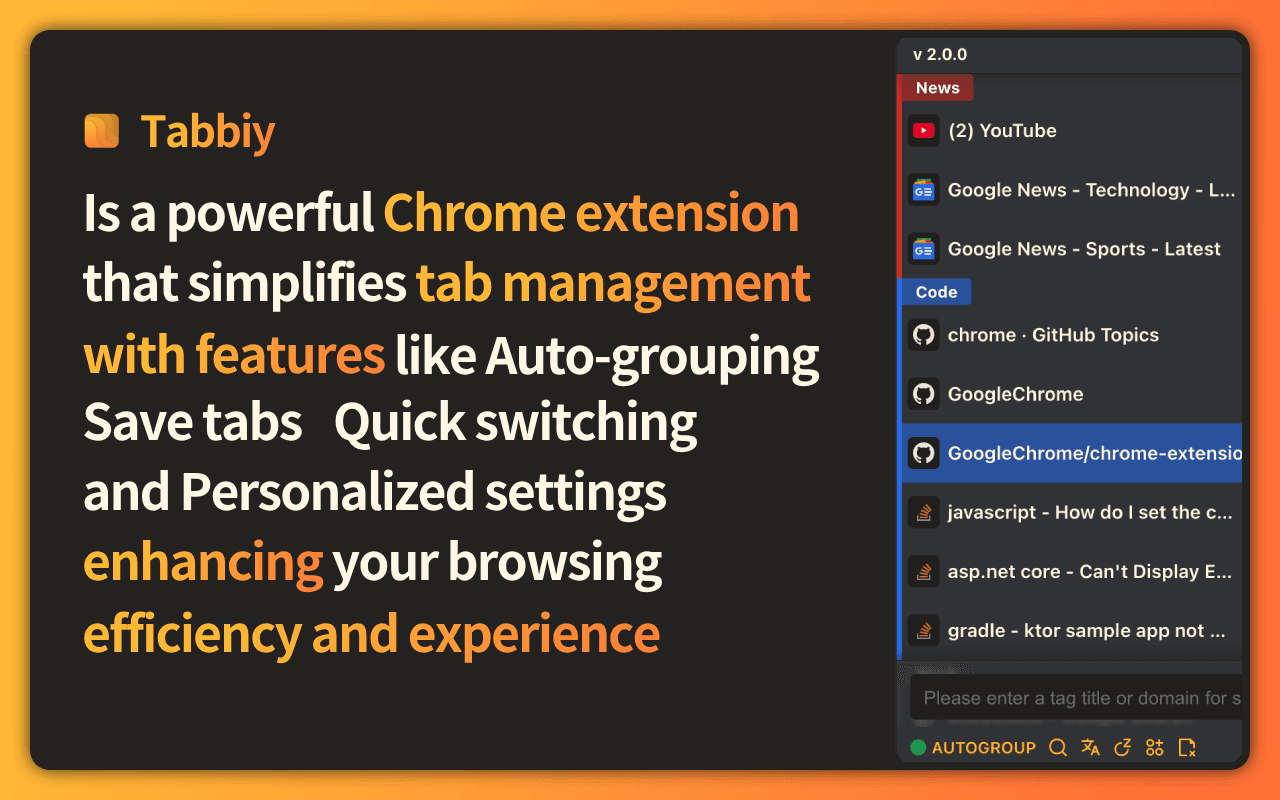
What is Tabbiy - Auto Group & Sidebar Tab Manager?
🎯 The ultimate sidebar tab manager! Auto-group tabs, search, save, and hibernate for a clean browser. 🍺 Friends, stop putting up with the inefficiency caused by messy tabs. Try Tabbiy and refresh your browser experience! If you like it, feel free to share your suggestions and opinions—we’re really looking forward to making Tabbiy even better with everyone’s input!
Key Features
Sidepanel Management
Open the sidepanel list using the shortcut (ALT+D), where you can perform operations such as grouping, saving, hibernating tabs, and drag-and-drop reordering.
Auto-Grouping
Click the "Auto" button at the bottom of the list, and the system will automatically categorize tabs into corresponding groups based on domain names or your custom-set rules, keeping the tab bar neat and organized.(Click again to ungroup all)
Tab Hibernation
Click the "Hibernate" button in the bottom toolbar or list to hibernate tabs and free up memory; when you need to access them again, simply wake them up.
Tab Saving
Click the "Save" button in the bottom toolbar or list to store tabs in the staging list, maximizing memory release; when you need to access them again, you can restore them with one click.
Tool Information
Want To List Your Product?
Reach thousands of potential users by listing your SaaS on FindYourSaaS.
Get Started Free